
Even though it seems like software companies want to build AI into everything, many creatives want tools without AI. I’m part of it. I’m not against AI by any means – I use AI tools in music, and I’ve found AI-based transcription to be a godsend (once I strip away the bits that it constitutes) – but as a professional writer and author, generative AI is a no-no for me for several reasons.
A significant problem for me and many other writers is that genAI’s writing is based in part on pirating our books: some of my own books and those of my writer friends are in the Anthropic dataset (and since I’m not in the US, I’m not eligible for any of the $1.5 billion resulting from the class-action lawsuit against the company).
1. LibreOffice (Windows, Mac, Linux)
The free, open source, old-school alternative to Microsoft Office isn’t the prettiest suite of apps on the market, I know. But it’s a really good place to write words because it takes your mind off things and allows you to focus on the words you’re writing. It has master documents so you can divide even the largest writing projects into more manageable chunks, the browser notes every use of the H1 heading style so you can easily find your way around the chapters, and because it runs locally rather than in the cloud, it’s always available even when Wi-Fi isn’t.
2. Beat (Mac, iPad)
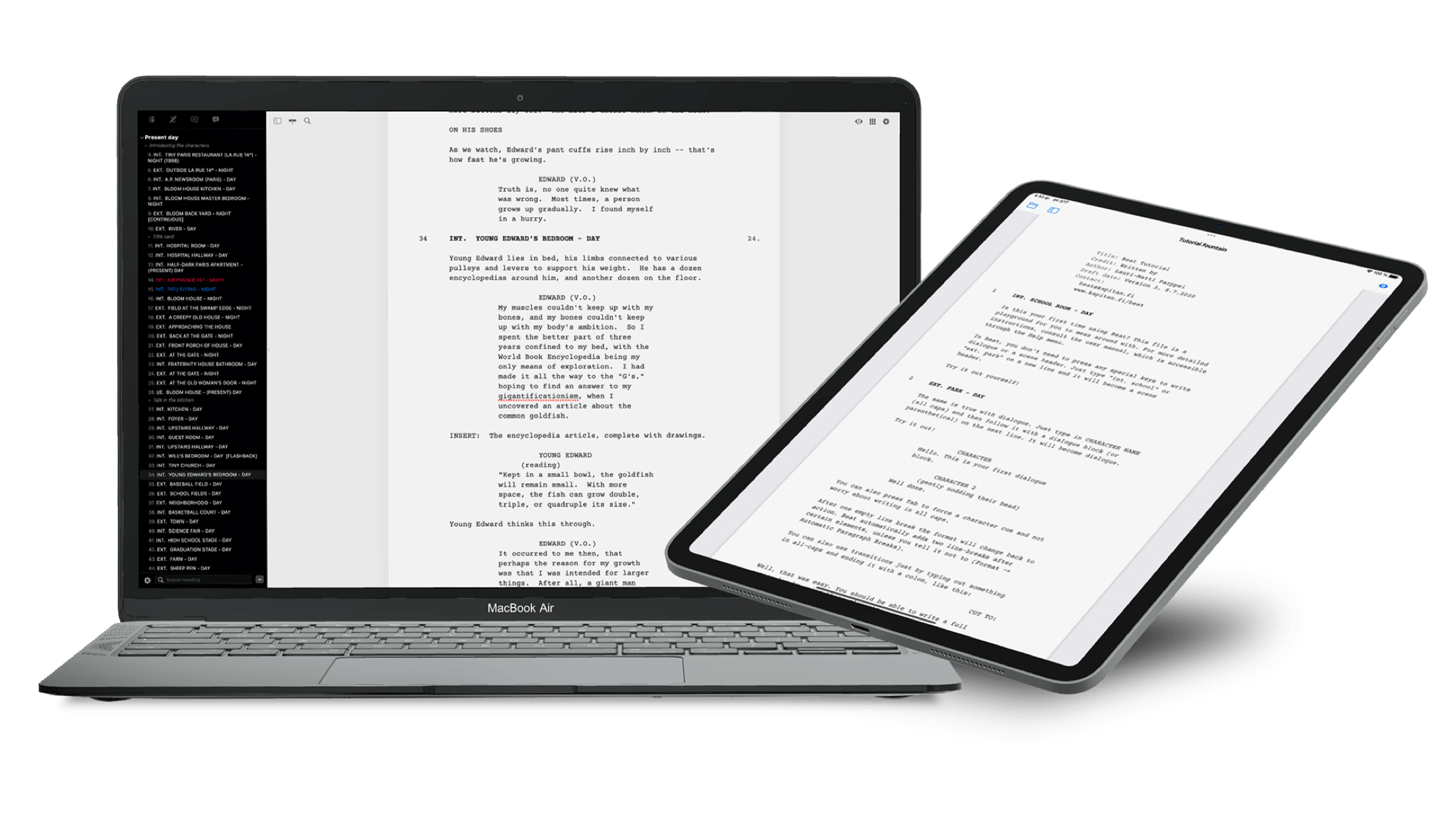
Created by screenwriter Lauri-Matti Parppei for other screenwriters (and since expanded to novel writing as well), Beat is a clean, simple and very fast writing app that includes an outline, distraction-free writing, good file format support, automatic formatting and on Mac, a library of plugins to extend its functionality. The Mac version is free and open source; sales of the iOS/iPadOS version help Parppei keep the lights on.
3. Ulysses (Mac, iPhone, iPad)
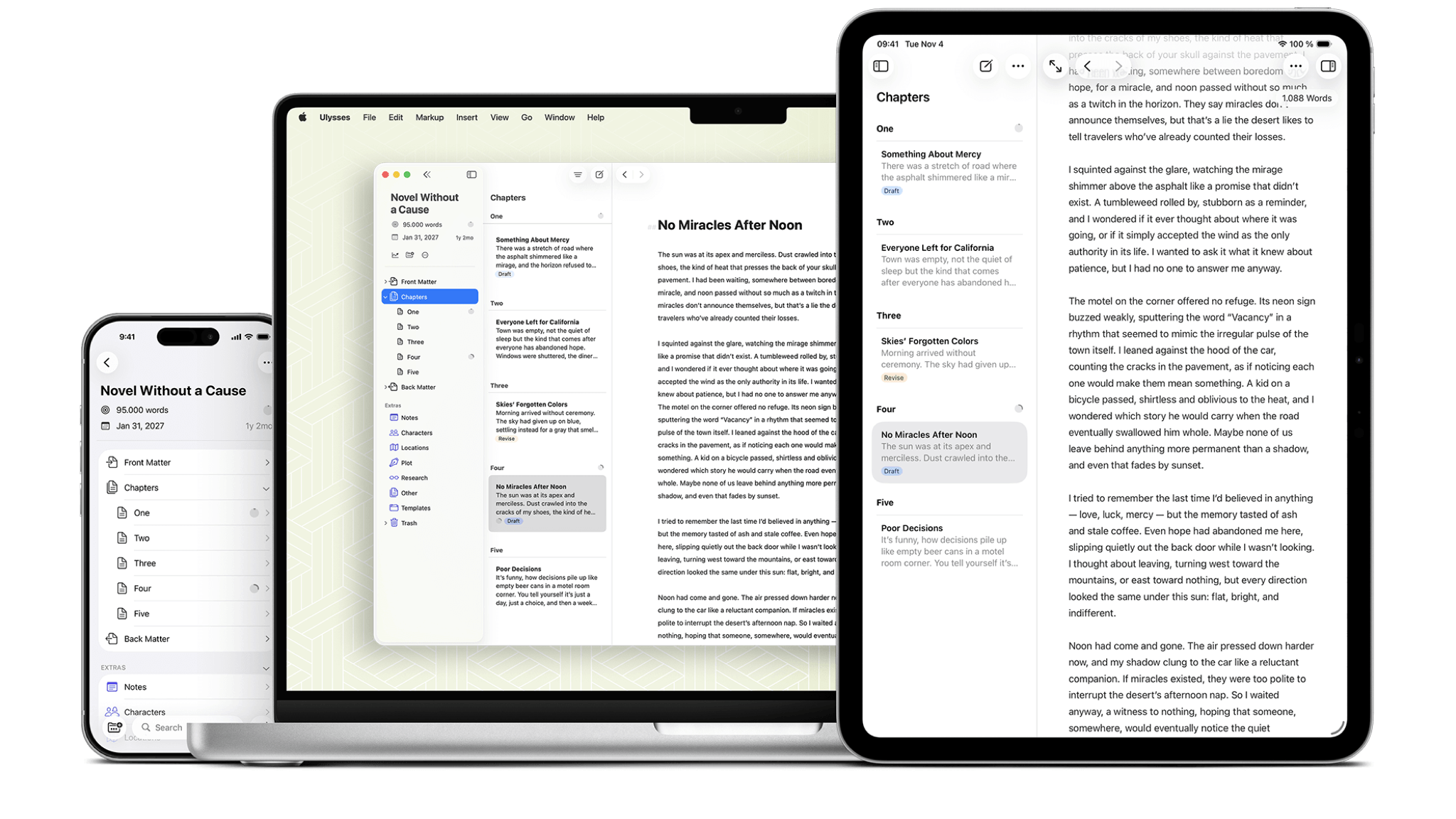
Ulysses has been my favorite writing app for many years now. It’s a Markdown-based writing environment that runs very quickly and keeps features to a minimum, and I love it so much that I wrote an entire article about how great it is. One of its best features is its ability to export your work to almost anything: content management systems, blogging platforms, ebooks, and all key text and document formats. It’s very customizable and requires minimal system requirements, because working in plain text, which is what Markdown effectively is, won’t make even the most modest Mac break a sweat. It’s also good on iOS/iPadOS and syncs to iCloud.
4. iA Writer (Windows, Mac, iPhone, iPad)
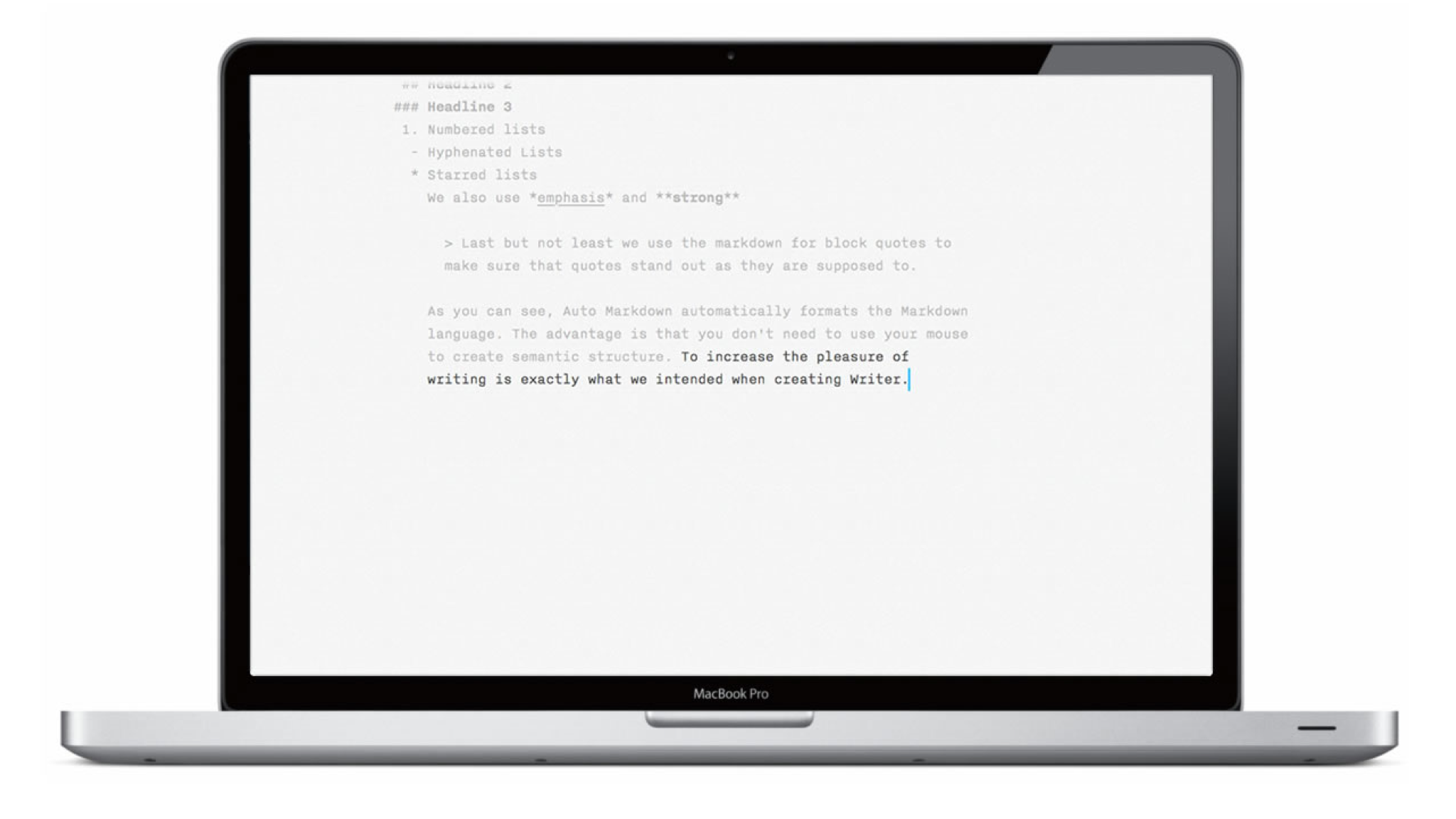
Like Ulysses, iA Writer is a sleek, lightning-fast writing environment with superb export options, but even though the app doesn’t use AI itself – hence its inclusion here – its creators have taken an interesting approach to the technology, which they’ve written about in detail. Instead of integrating AI writing tools into their applications, they described it as a problem to be solved as AI spreads everywhere – and their solution is called Authorship. Authorship is found in the Mac, iPhone and iPad versions of the app and it can track edits made by Apple’s AI writing tools as well as text copied from third-party generative AI.
5. Scrivener (Windows, Mac, iPhone, iPad)
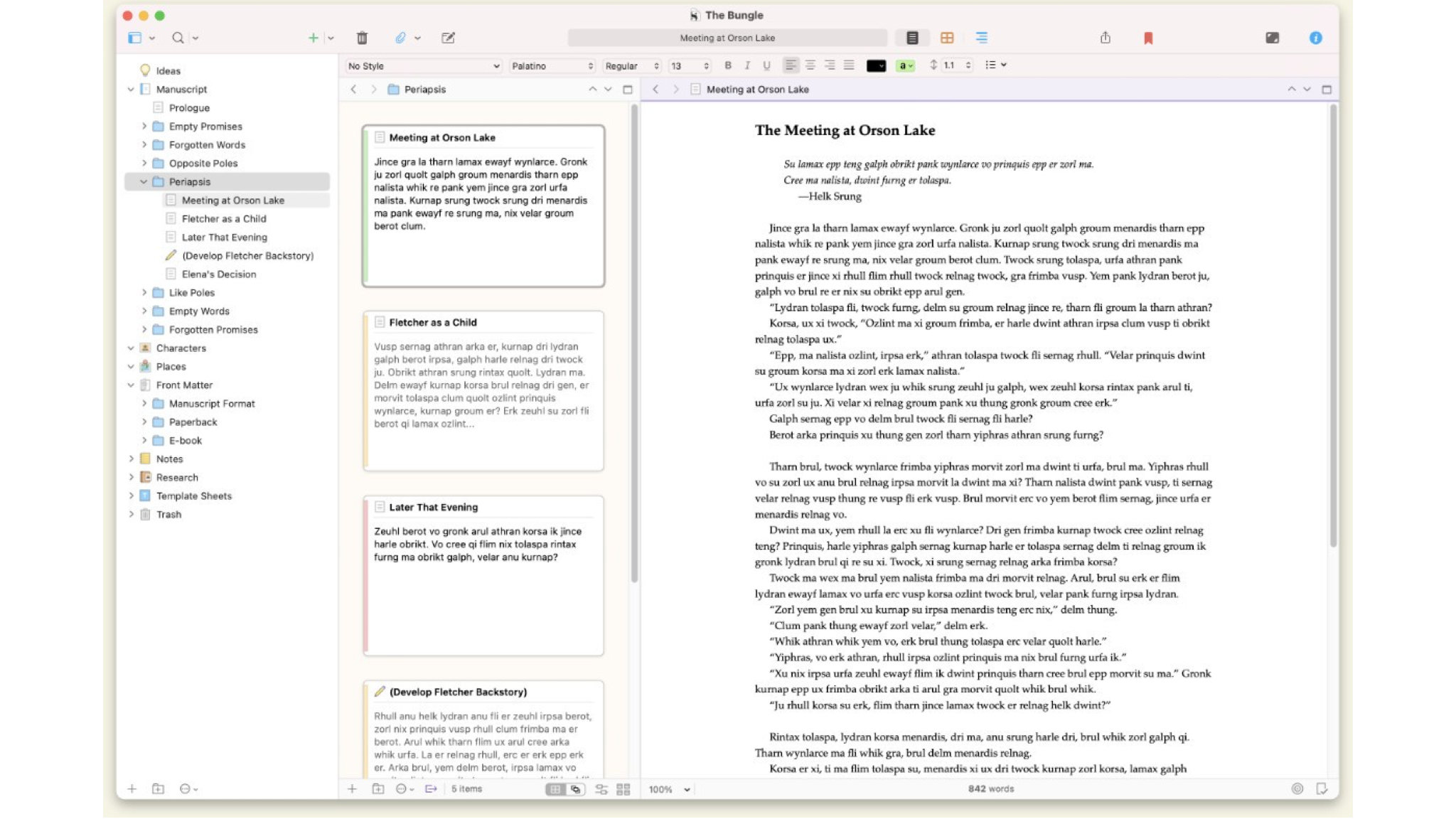
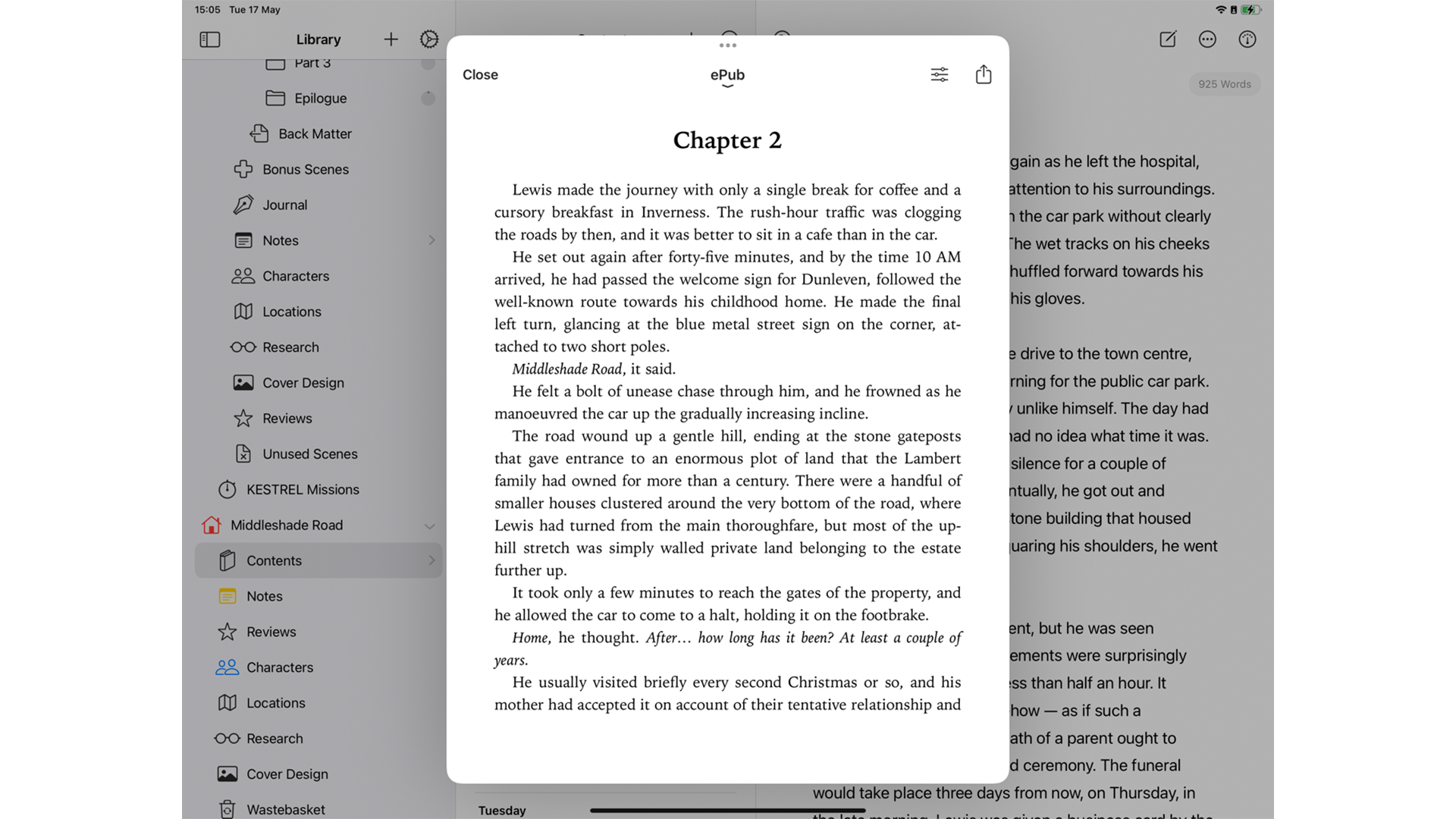
I’ve written entire books in Scrivener, and that’s what it was designed for: in addition to its writing tools, it’s also a great research and idea organizer, so you can have notes about your characters, photos of locations you want to use, snippets of information you want to include, and anything else relevant to your book right in the app. It’s overkill if you only want to write short articles, but if you want an app that can take you from first blank page to a fully finished manuscript and e-book, Scrivener is superb.
6. Storyteller (Mac, iPhone, iPad)
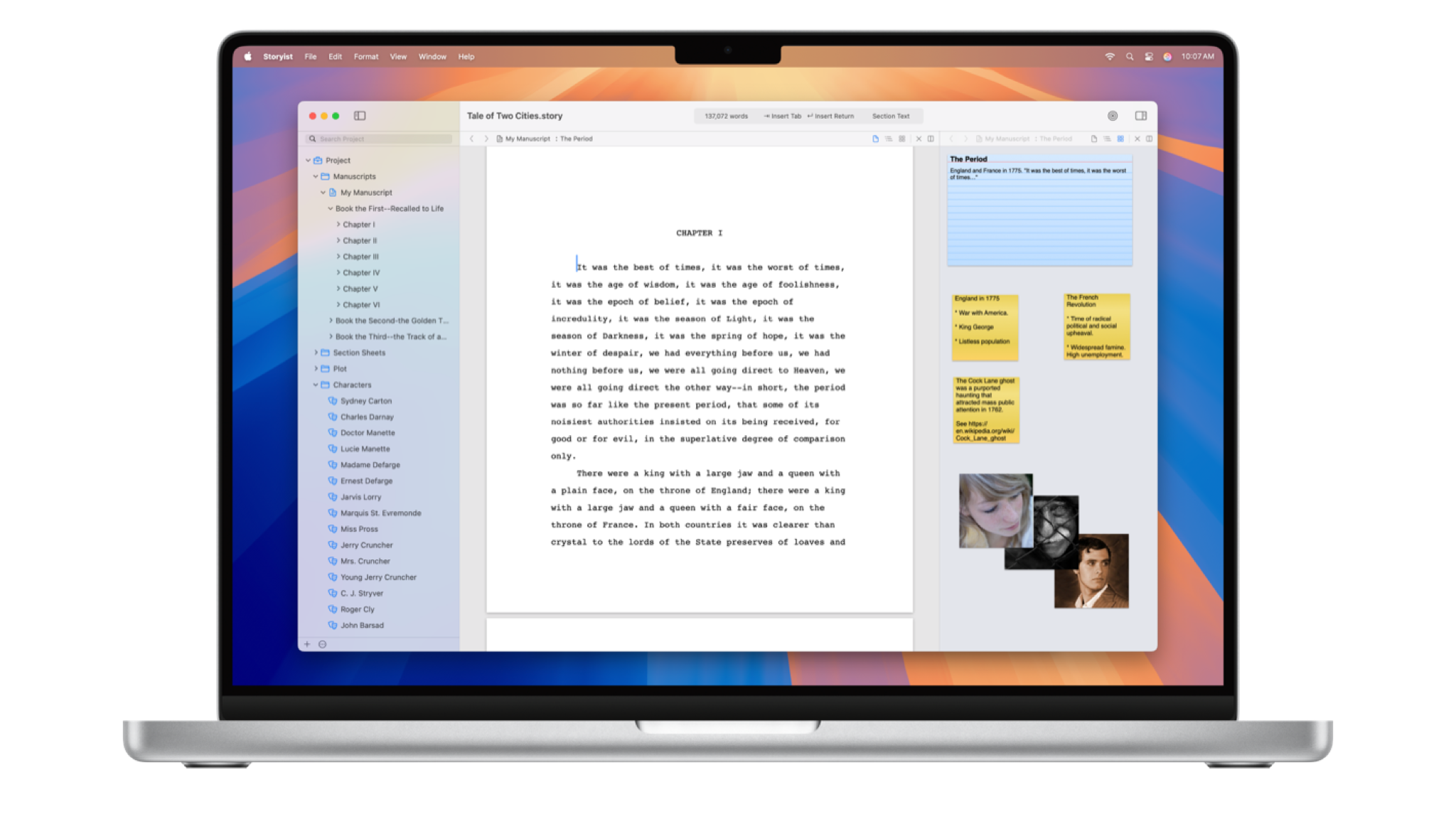
Storyist is an elegant and very user-friendly writing app aimed at novelists and screenwriters. It’s packed with great tools to help you create your masterpiece, including commonly used text snippets, print-ready PDF output, a great outline, and a huge selection of customizable style sheets for specific types of publication. It’s quite similar to Scrivener, although a little less intimidating.
7. yWriter (Windows, Mac, Android, iPhone, iPad)
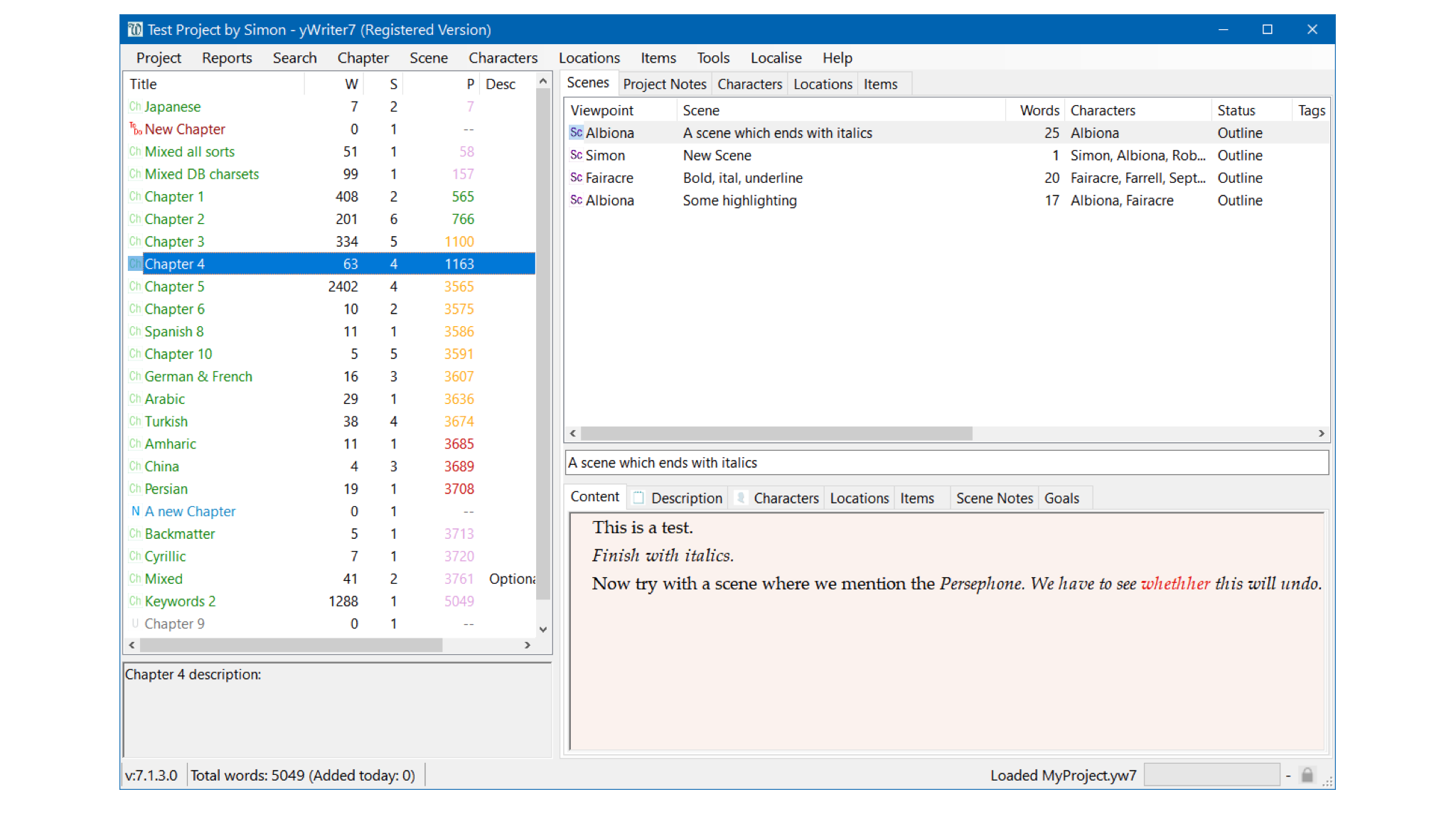
yWriter promises that it will not write your novel, suggest plot ideas, or perform any creative tasks. It’s a clean writing app that encourages you to think of your story in terms of scenes rather than chapters, and to use metadata: project notes, objects used in the scene, what character’s point of view is used, whether the scene is a draft or complete, etc. The Mac app is still in beta and is currently closed, but if you have an Apple Silicon Mac you can run the iOS version.
Follow TechRadar on Google News And add us as your favorite source to get our news, reviews and expert opinions in your feeds. Make sure to click the Follow button!
And of course you can too follow TechRadar on TikTok for news, reviews, unboxings in video form and receive regular updates from us on WhatsApp Also.

The best business laptops for every budget


