
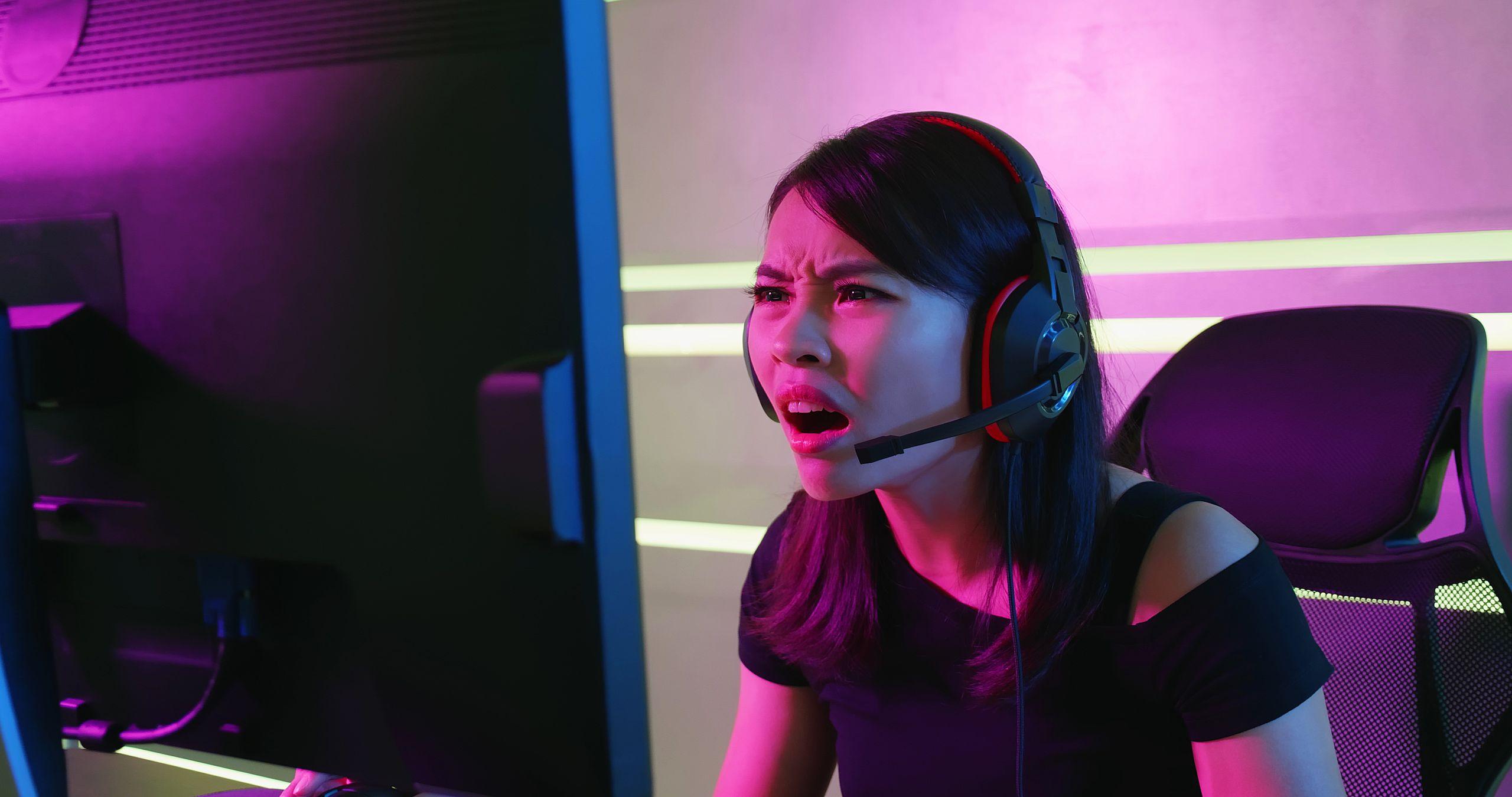
- Windows 11 suffers from a bug that causes black screen crashes for gamers with a “security check failed” error
- Microsoft has admitted the problem and tells us it is now fixed
- The fix is in the most recent February update for Windows 11, alongside another for issues connecting to certain Wi-Fi networks.
Microsoft has confirmed that some Windows 11 players are suffering from a bug that is causing their PC to freeze completely – but the good news is that the February update offers a remedy for this problem.
Windows Latest reports that the bug causes the dreaded black screen of death (BSOD – which was blue, of course), in which the system requires a reboot. The telltale sign of this problem is that the screen itself displays a “Kernel Security Check Failed” error message.
The tech site notes that testers have also been experiencing this issue lately (although they’re getting green-colored error screens), as well as those running the full version of Windows 11 – and it’s also been an issue in the distant past.
Windows Latest highlights a Microsoft Feedback Hub post with a complaint about Genshin Impact crashing, and there are also Reddit posts about the issue (for example this one detailing issues with Marvel Rivals).
Microsoft says the issue is now fixed in the February update release notes: “[Graphics] Fixed: This update addresses an issue where some GPU configurations might have recently encountered a system error related to dxgmms2.sys, resulting in the Kernel_Security_Check_Failure error. “
Many reports of issues with GPUs recently in Windows 11 have focused on Nvidia graphics cards, with Team Green itself observing that there was an issue with the January update causing not only black screen crashes, but also visual corruption of all kinds (like screen flickering).
However, Microsoft has indicated that all graphics cards can experience this particular black screen error with the security check failure, so AMD and Intel GPUs could likely be affected by this unfortunate bug as well.
Fortunately, not anymore since the February update has arrived. This upgrade should have already been offered to you, so if you’re experiencing black screen crashes, installing it should be a priority. We actually saw this fix arrive in the January Preview Update late last month (which, of course, is the beta version of the February Update – so it’s no shock that the fix is present here, and some of you may already have it if you picked up this optional update).
That said, there’s a twist in the story here, because if you installed the January preview update, it introduced a new bug that prevented Windows 11 from connecting to certain Wi-Fi networks using WPA3 (the industry-leading wireless encryption standard).
So if you’re having trouble connecting to certain Wi-Fi networks after installing the most recent optional update, you’ll want to get the February update, which also fixes this WPA3 issue.
This isn’t the first time we’ve seen a fix applied, only for another bug to emerge (albeit in preview this time). And gaming-related bugs are certainly nothing new and have been happening regularly with Windows 11 since the 24H2 update, so this latest issue won’t help Microsoft’s reputation in this regard – a reputation the company hopes to repair this year, let’s not forget…

The best laptops for every budget
Follow TechRadar on Google News And add us as your favorite source to get our news, reviews and expert opinions in your feeds. Make sure to click the Follow button!
And of course you can also follow TechRadar on YouTube And TikTok for news, reviews, unboxings in video form and receive regular updates from us on WhatsApp Also.


