
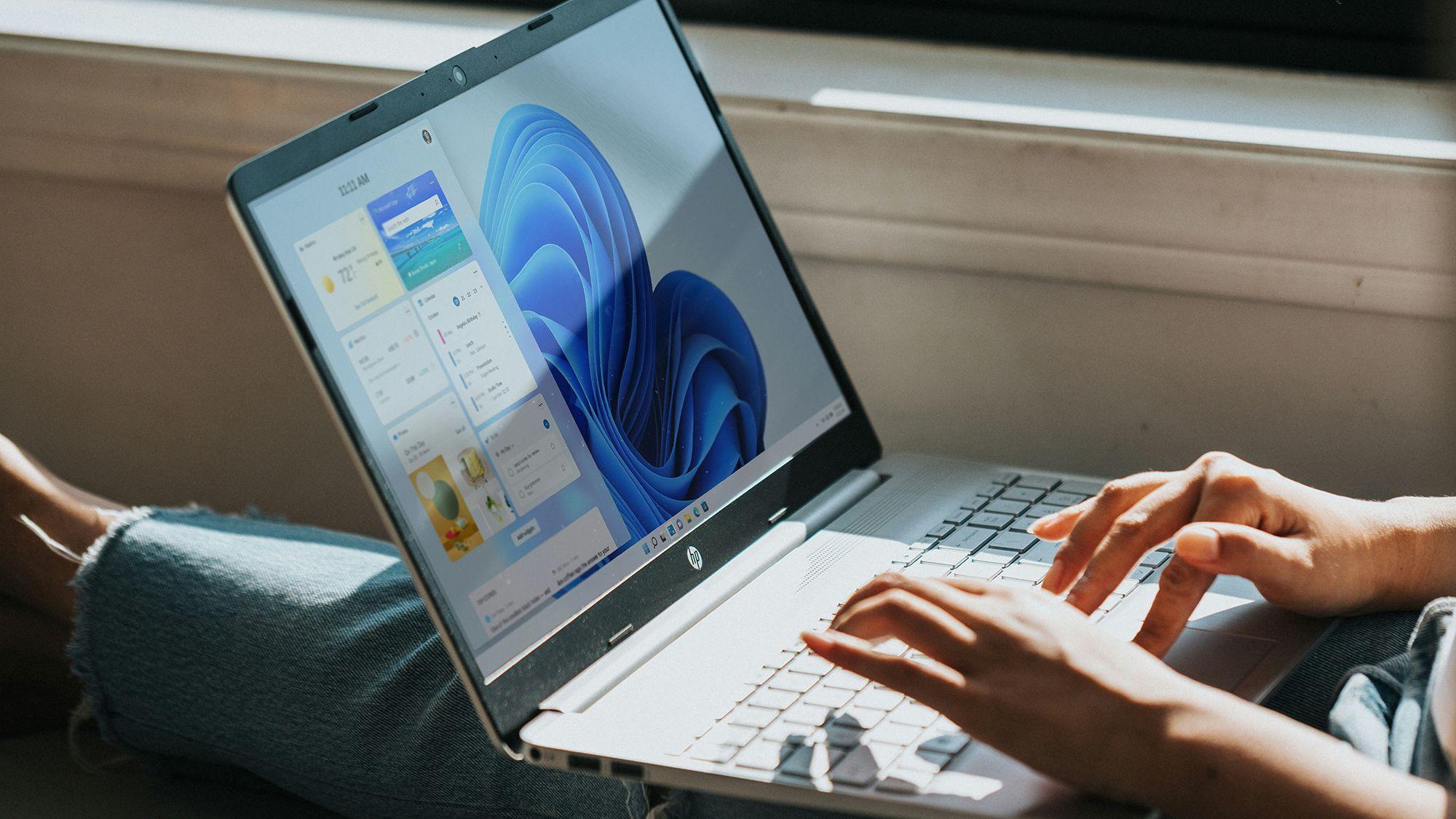
- Windows 11 has been experiencing strange interface issues recently
- They include the taskbar freezing, problems with File Explorer or Task View, or even the entire desktop being empty.
- The fix for this interface issue is now rolling out to those who have installed the latest May Update for Windows 11.
If you’ve been experiencing weird slowness with parts of the interface on the Windows 11 desktop lately – or things seemingly MIA – the good news is that a fix is incoming.
Windows Latest reports that Microsoft is close to fixing issues that can affect the taskbar, task view, File Explorer, and the desktop itself.
Apparently, some users are finding that the taskbar freezes or takes a long time to appear (and the context menu can also take a long time to appear). Windows Latest further notes that Task View may also become unresponsive and removing items from Quick Access in File Explorer does not work in some cases.

In the worst-case scenario described, these interface issues can mean you’ll be faced with a completely empty desktop after starting Windows 11 (which is always worrying).
All of these issues are known, and Microsoft has called them “general reliability” issues with Windows 11.
The good news is that according to Windows Latest, Microsoft has confirmed that the May Update for Windows 11 (arriving last week) fixes these issues – but the cure won’t appear immediately.
That’s because its rollout is gradual, so you may need to be a little patient here before these issues are resolved (well, hopefully).
Microsoft notes: “This [May] The update makes underlying changes to help improve the reliability of explorer.exe, including when logging in, interacting with taskbar menus and task view, removing items from File Explorer Quick Access, and more.
Analysis: stopping the slowness

It’s good to see this patch rolling out for Windows 11 25H2 PCs, and note that it’s also currently being tested – the Release Preview channel, the final stage of pre-release builds – for build 26H1 (for Arm-based Snapdragon machines).
What’s also worth noting is that Windows Latest saw “noticeably better performance” overall with the May Update applied to Windows 11, and it’s not alone – I’ve seen quite a few comments to this effect on Reddit. (I haven’t yet taken the plunge with the May Update on my Windows 11 laptop, but I’m about to.)
Of course, what Microsoft needs to work on with its initiative to right all the wrongs of Windows 11 is making sure that this type of flaw doesn’t take hold in the first place. This is why some people may be nervous about installing a new monthly update for Windows 11 – just in case they discover that something strange happens afterwards, like the desktop being empty upon reboot. (And much worse can happen, like the dreaded boot failure – we witnessed one of these bugs appear earlier this year.)
Microsoft needs to rebuild Windows 11’s reputation for reliability and overall stability, and that work has begun – but eliminating random and strange interface behaviors like this will be a necessary step to take to that end.

Follow TechRadar on Google News And add us as your favorite source to get our news, reviews and expert opinions in your feeds.
The best laptops for every budget


