
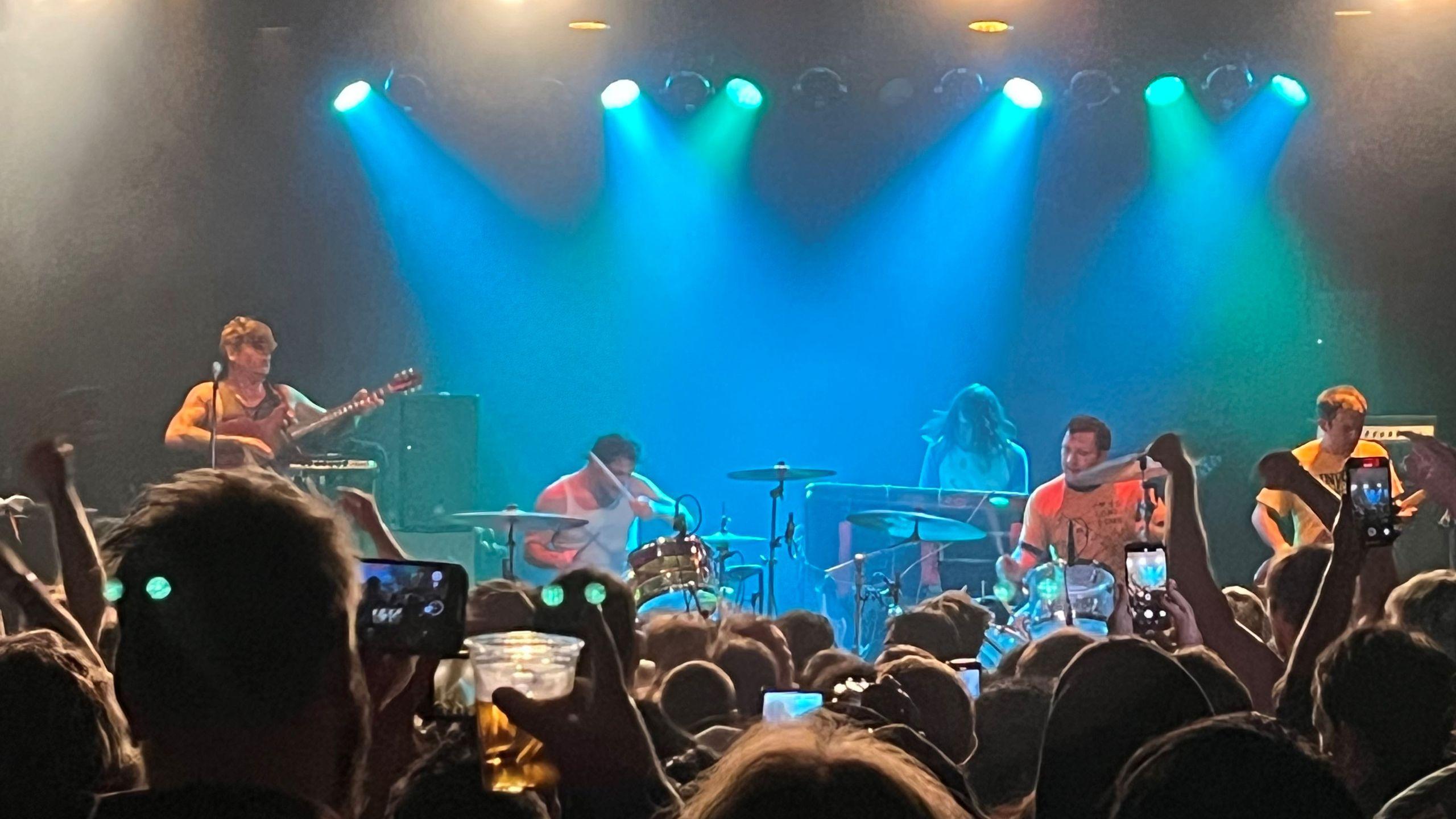
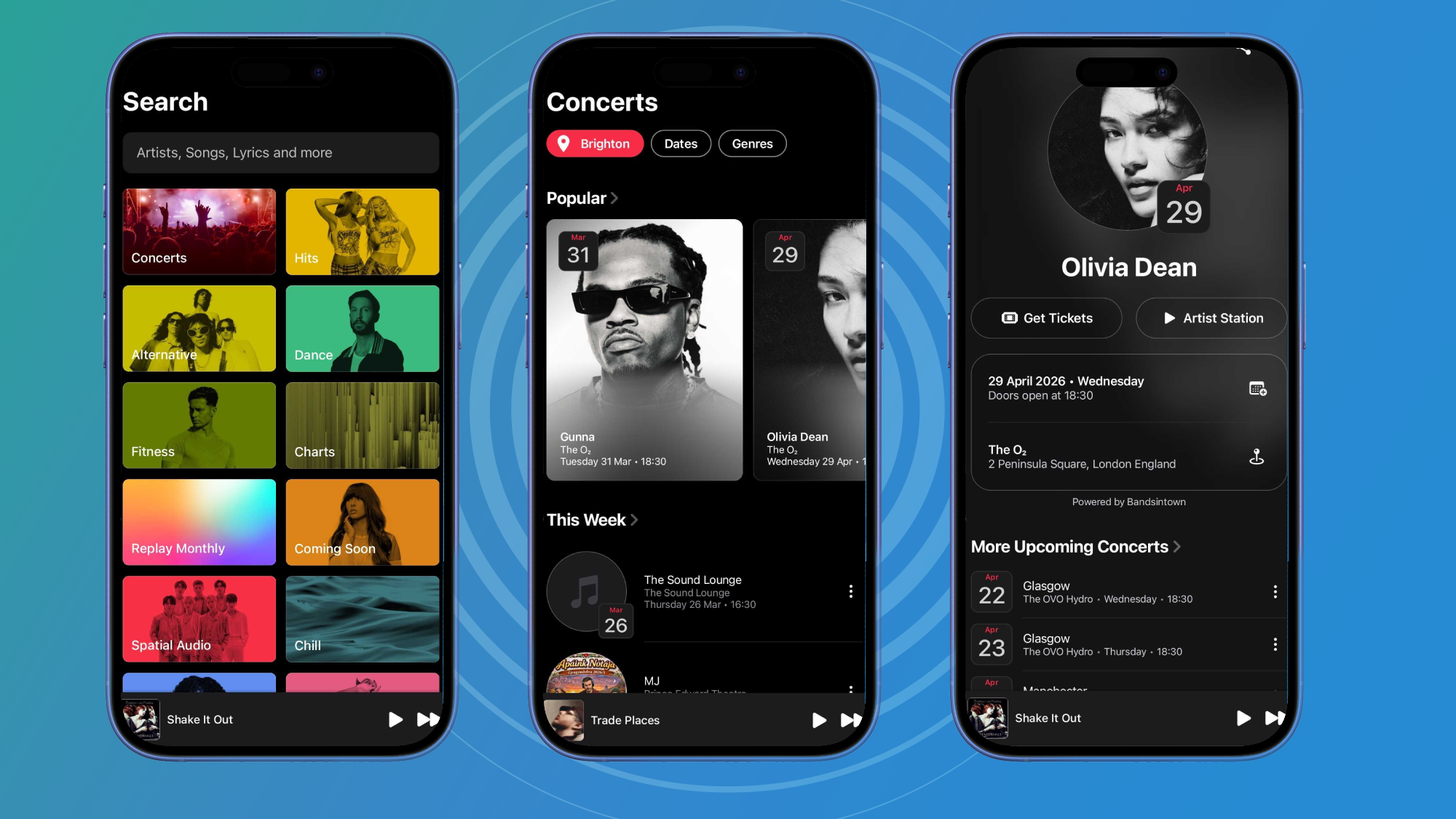
- Apple Music just added a Concerts page
- It shows upcoming live concerts in your area
- You will find links to a ticketing page and can listen to a music station from the artist.
With its latest app update, Apple Music just added Concerts – a place to find, well, concerts happening in your area. It’s not a perfect addition, but I instantly love it.
This feature appears in two places. The first is done via a new page dedicated to concerts in the Search tab of the Apple Music app, and the second is done on an artist’s page if they have live concerts coming soon.
When you go to the Concerts page, you’ll be asked to share your location with Apple Music so it can recommend live shows nearby, and the range seems far away but reasonable. For example, I live near Brighton on the south coast of England, but the page will also show me concerts happening in London, which is easily accessible by train.
Article continues below
On an artist’s page, like RAYE, which I used as an example, you’ll see a subtle “Nearby Gigs” tag on their image, which, if you tap, will scroll to their upcoming concerts – with nearby concerts and all upcoming concerts listed.
No matter how you find a gig, the page shows you all the key information. There’s a quick link for where to buy tickets – with options to select your preferred seller if the artists use a few services – as well as a button to listen to a station of their music if you’re not very familiar with their work (which will be perfect for finding new artists performing near you).
There are also options to add a concert directly to your calendar and view it on your Maps app – and as an Android user, I can confirm that this works seamlessly with Google Calendar and Google Maps on my phone.
Plus, there are options to see other concerts if you find this one is sold out. However, this brings me to my biggest complaint about the new service.
Some frustrations
Concerts is a great addition to Apple Music, but it also has several flaws that I hope will be fixed soon.
First, the popular tab at the top of the general gigs page seems almost useless. Tickets to see popular artists are selling out at lightning speed, and while browsing through some of the recommended concerts, I couldn’t find a seat for any of them.
I’d remove that whole bar, but if it’s going to stay, a notice that says “SOLD OUT” in the Apple Music app is essential – with options to join a waitlist or receive resale notifications, rather than a link to purchase non-existent tickets.
But I would prefer it to become a link to tours of artists featured in your playlists. By grouping concert dates together, I could look at our options for shows near and far – because while I’d rather see a show in Brighton or London (which are cities close to home), I don’t mind traveling (I’ve been all the way to Liverpool for a gig before) – and especially for less mega-popular artists, there’s a greater chance that there will be a few tickets left for upcoming shows.
On that note, I’m surprised there’s no way to filter acts based on whether or not they’re in your playlist – currently filtering is only by date and genre. I’d also like the general feed to be able to offer advice on what an act might sound like before clicking on their station, particularly how it compares to the music I like – with all its listening data, Apple Music must surely be able to provide insight like “People who like this band also listen to Florence + The Machine” or along those lines.
Criticism aside, this seems like a nice feature for planning a date night on short notice. Live music is always a pleasure, and browsing the general feed selection I found plenty of dates with tickets left – which I could easily check using the on-screen station button.
And the fact is that concerts in Apple Music have only just been launched. Over time, this tool should only improve, and with a few tweaks it will go from great to perfect for live music fans.
Follow TechRadar on Google News And add us as your favorite source to get our news, reviews and expert opinions in your feeds. Make sure to click the Follow button!
And of course you can also follow TechRadar on YouTube And TikTok for news, reviews, unboxings in video form and receive regular updates from us on WhatsApp Also.


