
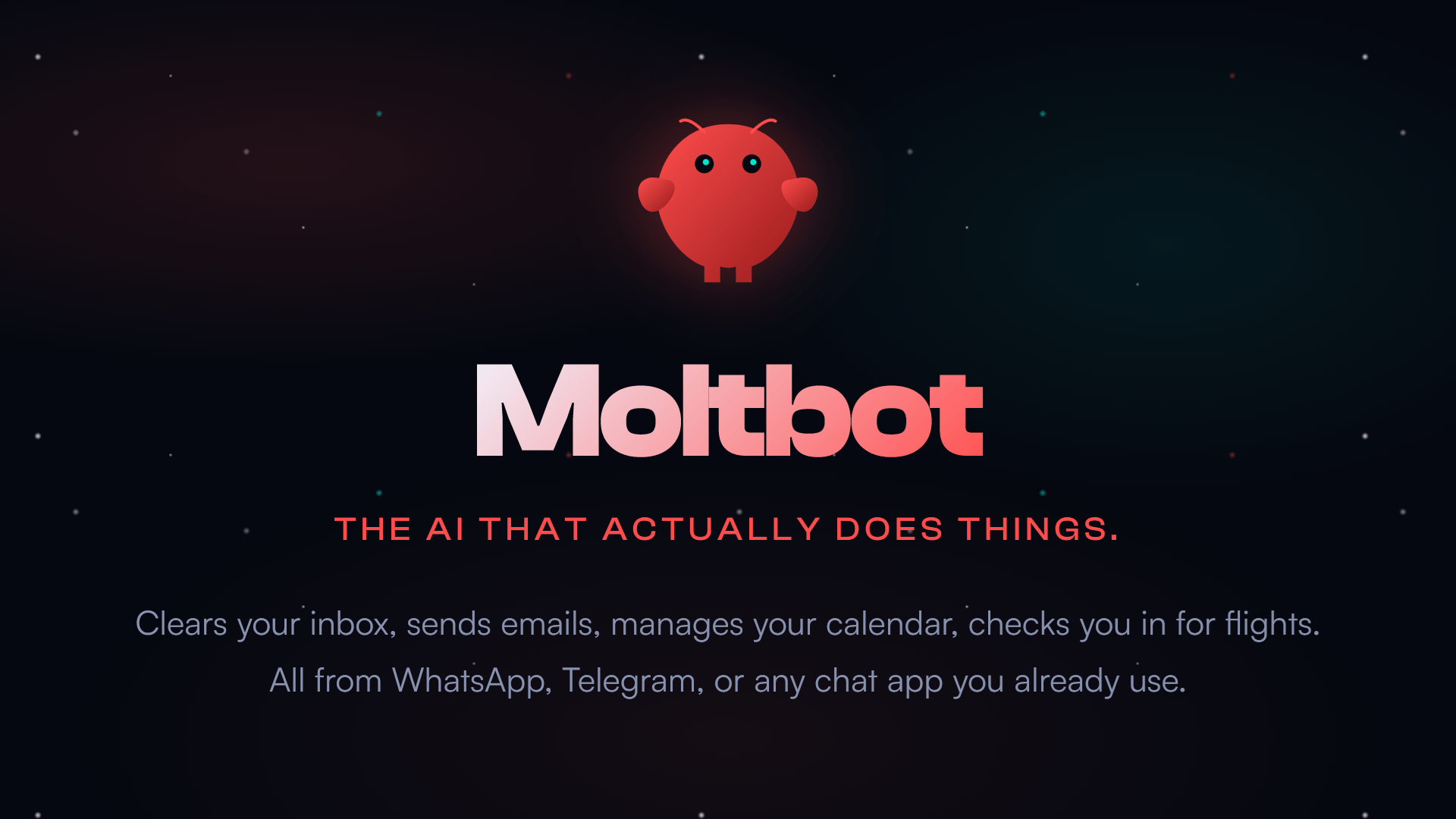
- Moltbot is the open source AI assistant recently rebranded as Clawdbot
- Moltbot works in messaging apps to complete tasks
- The rebranding followed a brand warning and sparked a wave of chaos, stolen handles, and fake crypto scams.
A promising open source AI assistant called Clawdbot turned into a viral sensation before a hasty name change to Moltbot due to potential trademark issues led to a deluge of scam and fraud attempts.
After the chatbot reached tens of thousands of GitHub stars and garnered praise from high-profile AI researchers and investors, Anthropic raised concerns about the branding because its name was too similar to that of the company’s chatbot, Claude.
Moltbot’s developer, Austrian engineer Peter Steinberger, chose the new name after hearing Anthropic. He pulled the trigger in the middle of the night, but that didn’t stop bots from instantly reclaiming abandoned social handles or opportunists from pumping fake “Clawdbot” crypto tokens. A sleep-deprived Steinberger even accidentally renamed his personal GitHub account instead of the project before correcting the error.
There is a reason for all this chaos. Moltbot’s central argument, an AI that the average person can use to organize their digital life, has obvious appeal. Its design is supposed to allow it to behave more like people imagined an AI assistant a decade ago, before they were trained to lower their expectations. It exists in the tools you already use and promises to handle the tasks you keep putting off.
Moltbot operates locally, with the user choosing an AI model to power it, and communicates via standard messaging platforms such as WhatsApp, Telegram, Discord, iMessage and Slack. It keeps a long-term record of your preferences, plans, and conversation history. If you say you want to start a diet, it remembers. If you asked him last week to follow a habit, he will remind you of it today. If you’re juggling multiple projects across apps and services, this can help you automate them.
This integration is what sets the tool apart from typical AI chatbots. You can ask Moltbot to summarize your inbox, file documents, organize your notes, generate reports or give you a boost when deadlines are approaching, and it can interact with third-party apps.
Moltbot mania
When the project first launched as Clawdbot, it seemed like a much simpler way to achieve the kind of agentic AI that companies like OpenAI and Google were discussing. Interest grew and suddenly people were talking about a small open source side project as a prototype for a new era of personal automation.
Then came the name change request. And with that, a sort of digital burlesque routine. Seconds after Steinberger announced the name change, bots pounced on the old name. An unrelated crypto token called $CLAWD appeared almost immediately and reached a comical market cap before crashing.
The fraudulent accounts pretended to be part of the engineering team. And the widely shared image of a lobster with a human face, created when Steinberger jokingly asked Moltbot to “de-age” his mascot, was taken as reality by many people for some time.
But people love scrappy projects that try to survive their own sudden fame. They also like mascots with meme potential. Not that Moltbot is for everyone. Since AI can, with permission, control parts of your computer and access sensitive personal data, caution is advised and you should not install third-party plug-ins without checking them.
For most non-technical AI chatbot users, Moltbot is more of a warning sign than a tool to use right now. Big tech companies have been publicly pursuing the dream of “AI agents” for months. Moltbot is one of the first real-world examples that the public can touch, although most people won’t deploy it on their own machines. This hints at a future in which digital assistants don’t just answer questions, but actively maintain your calendar, prioritize your messages, and coordinate your digital life. The lobster mascot is optional.
Follow TechRadar on Google News And add us as your favorite source to get our news, reviews and expert opinions in your feeds. Make sure to click the Follow button!
And of course you can too follow TechRadar on TikTok for news, reviews, unboxings in video form and receive regular updates from us on WhatsApp Also.
The best business laptops for every budget


