
Spotify Wrapped 2025 is finally rolling out globally (and you can follow all the latest reaction on our Wrapped 2025 liveblog), but the streaming service’s popular recap doesn’t always arrive in time for everyone. If your Wrapped 2025 stubbornly refuses to show up, there are a few tricks you can try.
In previous Wrapped launches (like 2023), we’ve even seen “internal server error” messages as Spotify’s servers buckle under demand. There’s no sign of anything like that this time, but that doesn’t mean some aren’t having trouble finding their Wrapped 2025 summary – if that includes you, try the fixes below.
Before that, just a quick note: it’s worth keeping in mind that you need to have listened to Spotify for a minimum amount of time to be able to benefit from the Wrapped summary. You need to have streamed at least 30 tracks for more than 30 seconds each from five unique artists (on a Free or Premium account), but this won’t be a problem for most.
1. Update the Spotify app
The best first step is to verify that you are using the latest version of the Spotify app.
Go to the Spotify app in the App Store (on iOS) or Play Store (on Android) and check for any app updates. On iOS you need to run version 9.1.0 of the app, while on Android it is version 9.1.0.1147.
Is it still not showing? You can instead try the nuclear option: delete the app from your phone and then reinstall it. Your music and playlists are all linked to your Spotify account, so they’ll appear again when you log in again. But this could be the boost it needs to bring Wrapped 2025 to life.
2. Go to the mobile site
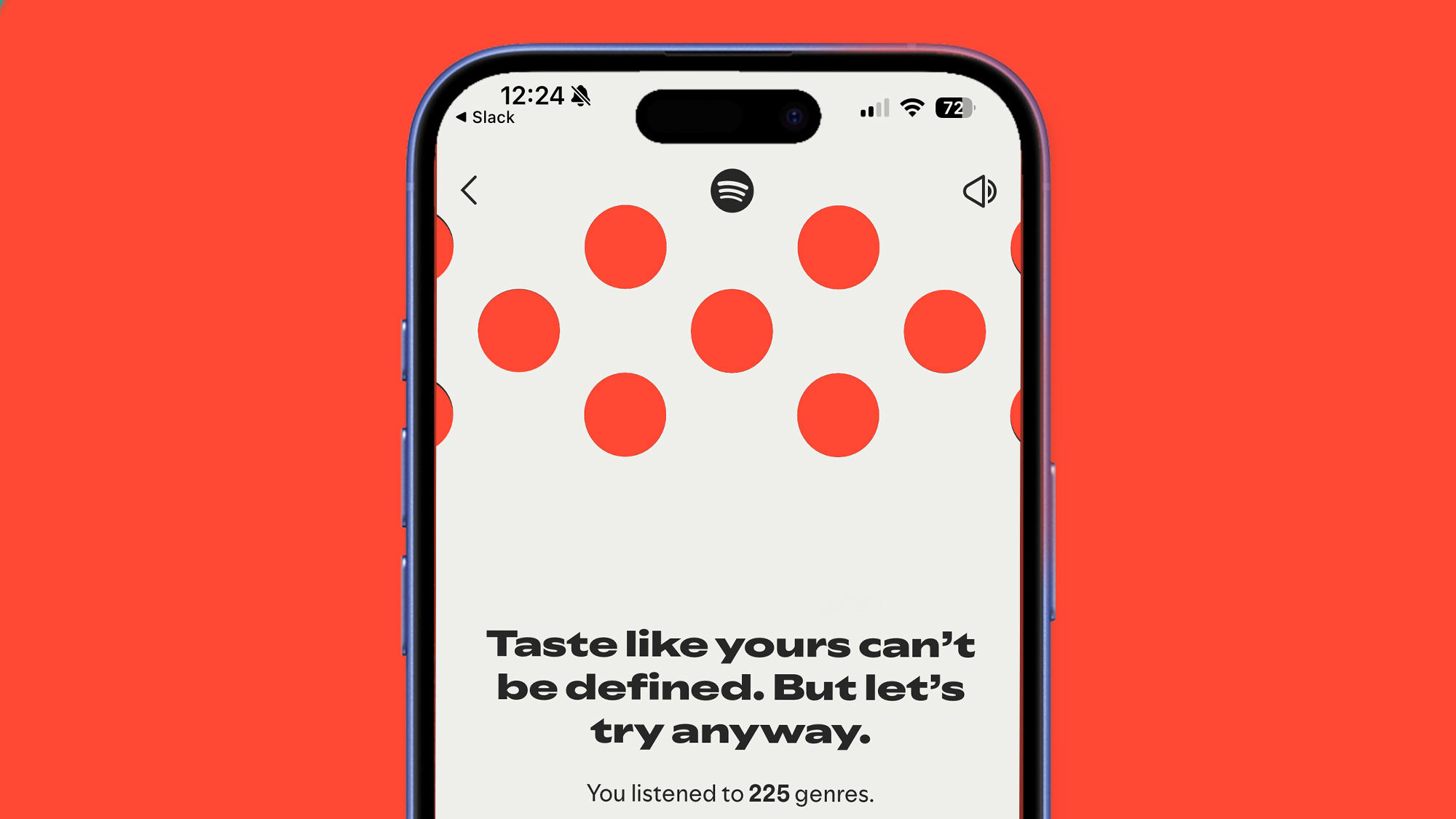
If Spotify Wrapped 2025 doesn’t appear as a banner or tile in the app’s Home tab, you can find it in several other ways.
The first is to simply go to Spotify Web Player in your mobile browser on iOS or Android and log in to your account. We found that Wrapped 2025 was not available in the app, but was playing for us on the mobile site.
The downside is that you only get the slideshow experience without the Wrapped extras, but it’s a start while waiting for Wrapped to appear late in the app.
3. Take the manual route
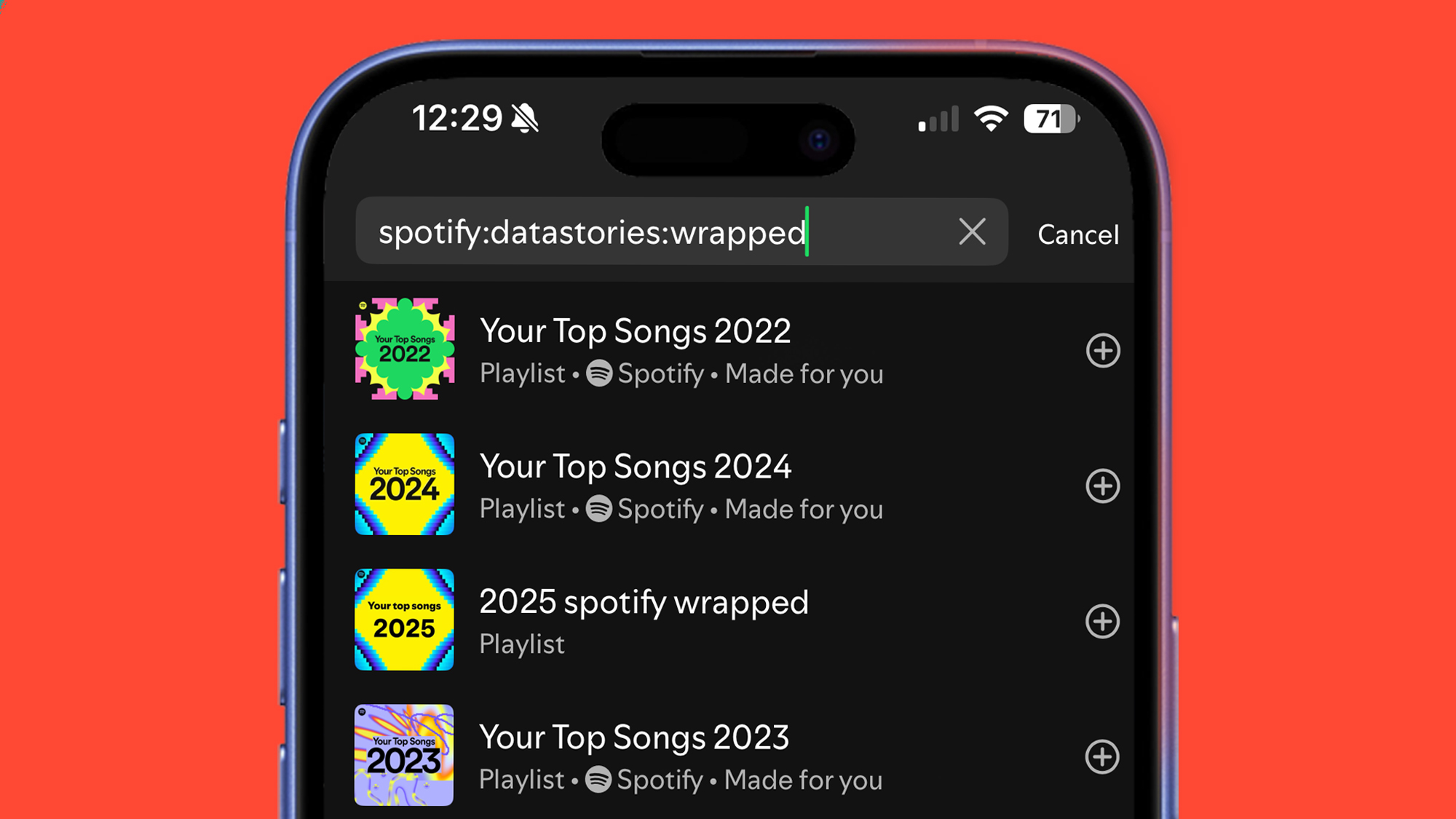
If none of the steps above worked and Spotify Wrapped doesn’t appear as a banner or tile in the app, you can also try using Spotify’s search bar.
In the application search bar, try typing “spotify:datastories:wrapped” or “2025 Wrapped” and then click “search”. For us, typing the first took us straight to our Wrapped summary, but the second can also produce a result that you can tap to navigate through your slideshow.
This is also an alternative way to find the Wrapped AI podcast. If you don’t see a thumbnail, try searching for “Your Spotify Wrapped AI Podcast” – if it’s available, it should produce a result you can tap.
How long will Spotify Wrapped 2025 be available?
Spotify Wrapped usually has a limited viewing window, after which it turns into a simple playlist of your favorite songs of the year.
In previous years, Wrapped was available until mid-January, after which it simply redirects you to a playlist of songs. It’s not yet clear if this will be the same for Wrapped 2025, but it gives us a rough idea of the window. The AI podcast feature is expected to be available for a much shorter duration.
Want to listen to your Wrapped playlists from previous years? Head to the app’s search bar and type “wrapped 2020” or “Spotify: genre: 2020” (depending on the year you choose).
Follow TechRadar on Google News And add us as your favorite source to get our news, reviews and expert opinions in your feeds. Make sure to click the Follow button!
And of course you can too follow TechRadar on TikTok for news, reviews, unboxings in video form and receive regular updates from us on WhatsApp Also.


