
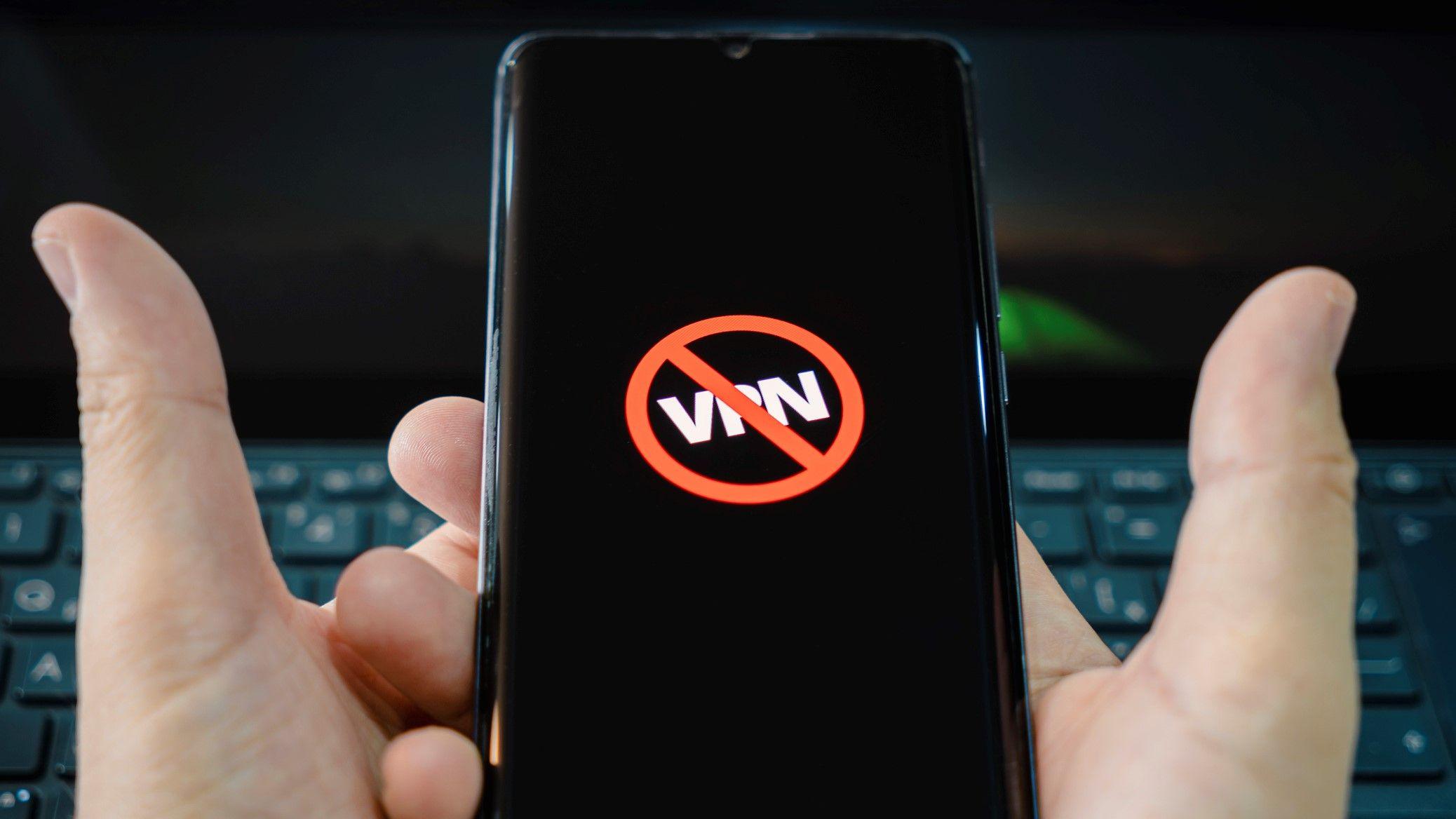
- Major Russian Internet Services Received Instructions on How to Block VPNs
- The Russian Digital Ministry highlighted some “important limitations”
- Attempts to limit VPN use may have caused widespread banking outage
Russia’s Digital Development Ministry has reportedly issued instructions to the country’s major internet service providers on how to detect and block VPN connections, warning of some “significant limitations.”
As local media RBC reported on Sunday, April 5, the ministry, Maksut Shadaev, shared the instructions with more than 20 companies, including Yandex, VK and two local marketplaces (Wildberries and Ozon).
These platforms must restrict VPN users by April 15 or risk losing their IT accreditation.
Earlier in the week, Shadaev shared a plan to “reduce VPN usage” with new blocking requirements for businesses, as well as new fines and fees for VPN users in the country. It then ordered all local mobile carriers to disable Apple ID payments, allegedly to make it harder to pay for a VPN subscription, effective April 1.
The first repercussions of this latest wave of VPN restrictions are already being felt. Telegram CEO Pavel Durov, whose service is currently blocked in Russia, claimed that authorities’ attempt to block VPNs “triggered a massive bank failure,” in a post shared on X on Saturday.
As reported by independent media outlet Meduza, data from Russian outage tracking service Sboi.rf (Outage.ru) confirmed that the bank outage occurred on April 3, alongside another wave of disruptions to several websites and applications linked to local banks, telecom operators, satellite companies and other Russian organizations.
How Russian Businesses Should Detect VPNs
Per Shadaev’s guidelines, businesses must follow a three-step process to determine whether a VPN connection is enabled on user devices.
- Identify the device IP addressesthen compare it to a list of known Russian IP addresses and blocked addresses.
- Check the use of VPN when accessing the company’s own application about users iOS And Android devices.
- Check Using VPN on devices running operating systems other than iOS and Android (Windows, MacOS, Linux).
The document also states that a whitelist will be created to exclude legitimate business VPNs and corporate proxy services from blocking.
It also advises against continuous monitoring of VPN connections on users’ devices, warning that doing so would “negatively impact traffic consumption and battery life,” RBC reported.
VPN detection limits and workarounds
Authorities make no secret of the fact that there are several challenges and limitations in VPN detection.
Specifically, the guide warns that completing the second step of verification is harder on iPhones because “access to system settings on iOS is significantly limited.”
Run a VPN on a router or in virtual machines also makes VPN detection more difficult or impossible.
Having split tunneling enabled can also help. This is a feature that allows users to select which applications or websites to route through the VPN tunnel. In this case, testing on a single active network will not be enough.
The authorities also reported that new VPN services continue to grow, meaning not all IP addresses related to virtual private network (VPN) services are known.
We recommend that citizens consider these limitations as the North Star to follow in navigating repression. If possible, we then suggest installing their VPN on a router or virtual machine, enabling split tunneling and connecting to newly launched VPN servers.
Some VPN providers have recently beefed up their censorship-resistant features, precisely to deal with the latest wave of restrictions in Iran and Russia. These include Russia-based Amnezia VPN (and its recently updated AmneziaWG protocol), Windscribe VPN, and NymVPN.
TechRadar reached out to these vendors to find out if their apps are still working as usual and if there are any other potential workarounds. We will update the page when more information becomes available.
Follow TechRadar on Google News And add us as your favorite source to get our news, reviews and expert opinions in your feeds. Make sure to click the Follow button!


