
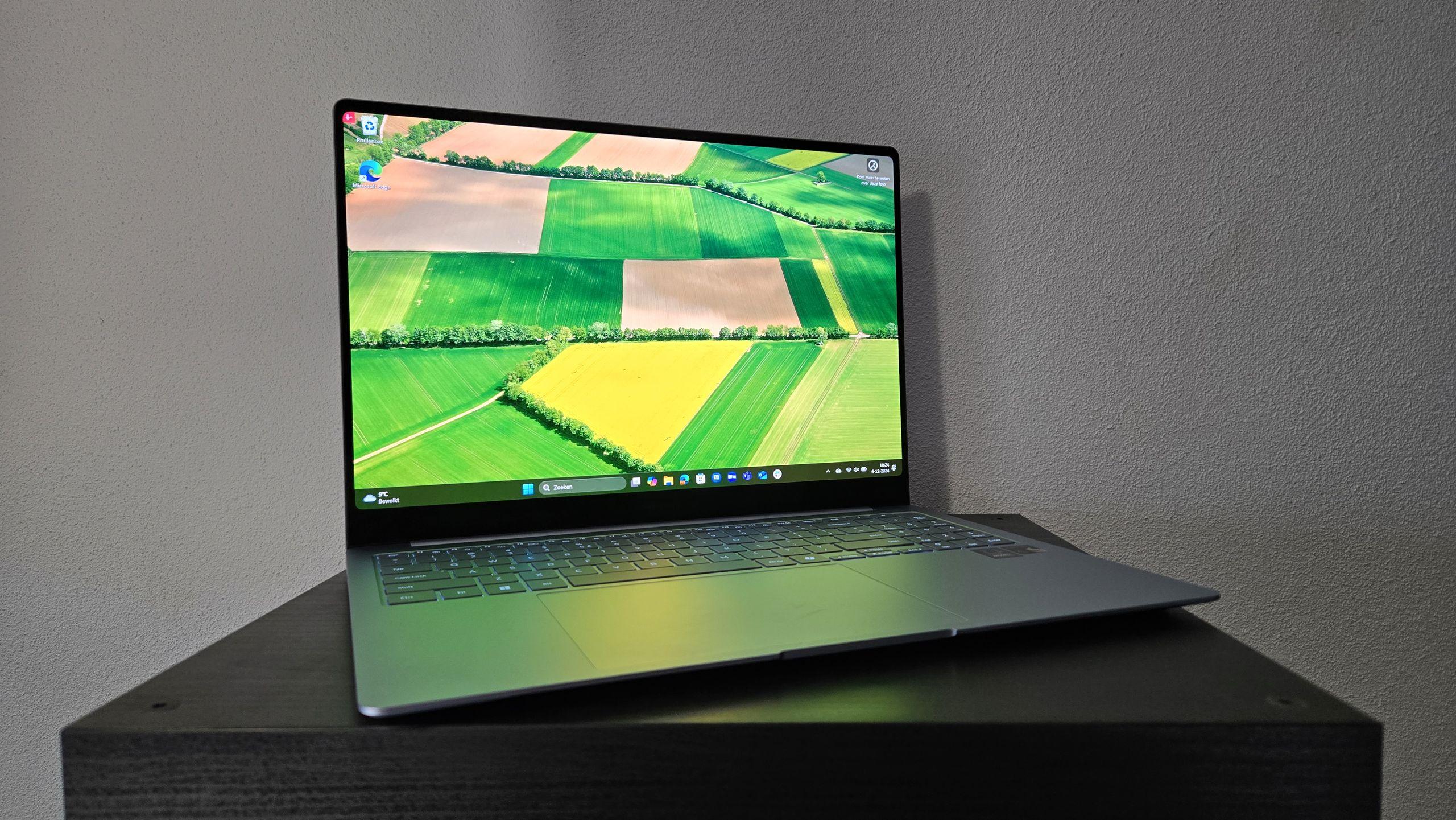
- Microsoft is working to make WinUI 3 faster
- This is the contemporary framework for the operating system user interface
- With WinUI 3 being used more widely in Windows 11 and tweaked for better performance, this is another key way to make the operating system faster.
We learned more about Microsoft’s efforts to make Windows 11 faster, discovering another front the company is working on to ensure the operating system becomes more capable in terms of core interface elements.
Windows Central reports that the main performance improvement goal – part of the broader campaign to fix Windows 11 – involves not just transitioning Windows 11 interface elements to use WinUI 3, but actually speeding up WinUI itself.
For the uninitiated, WinUI refers to the contemporary Windows user interface (UI) framework. It is used by Microsoft for many core apps and elements of Windows 11, and can also be used by third-party software developers to adapt their own apps to the look and feel of the operating system.

So, Microsoft is using WinUI 3 in more places in Windows 11, but also making it more performant, as software engineer Beth Pan clearly explains in a post on GitHub, stating that: “Our mission is to make WinUI 3 the best native UI platform for Windows experiences and apps, and performance is at the heart of that effort.
Pan adds: “Making this a reality means making performance improvements on multiple levels, including within WinUI itself. »
The software engineer further notes: “We focused on launch time, using File Explorer and Notepad as primary reference points, emphasizing improvements that largely benefit most applications.”
Pan then details some of the performance improvements achieved so far with File Explorer, including 41% and 63% fewer allocations and transient allocations, respectively, as well as 45% fewer function calls and a 25% reduction in time spent in WinUI code.
Analysis: a long-term commitment to fundamentals and quality, we are told

What does this actually mean? Well, these changes are still in the early stages of development, and we don’t know what the mentioned improvements actually bring in terms of launching File Explorer faster. There’s no “it will be x seconds faster” here (of course, launch times will naturally vary across different hardware configurations, anyway).
However, the bottom line is clear: a lot of optimization work is underway with core elements of Windows 11 in this direction, and this is sure to improve performance. Especially since this work does not take place in isolation.
Don’t forget that Microsoft also has ongoing plans to improve File Explorer performance in various ways, and one of them is the “Low Latency Profile.” This is a recently revealed CPU trick that could help make many apps and Windows 11 interface elements work much more responsively.
Another encouraging theme evident here is that of greater collaboration within Microsoft. Pan observes in his post: “The approach here is that we do what we can from [the] frame side, and [obviously] other Windows teams also investigated and [have] We have been working to improve the overall performance of the launch, we are connecting/collaborating frequently to ensure improvements will be end-to-end. It is a long-term commitment to fundamentals and quality. »
This all sounds very positive for the future, and as someone else commenting on the GitHub post, claiming to be a former Microsoft employee, observes: “This was by far the most frustrating thing working with you, each team seemed to be doing their own thing. I hope you really make efforts to resolve this issue.
So far, the scope of the Windows 11 overhaul is commendably broad, so let’s hope the reality lives up to the promising early work we’re seeing and that Microsoft actually comes together to work more effectively across its various Windows groups.

The best laptops for every budget

Follow TechRadar on Google News And add us as your favorite source to get our news, reviews and expert opinions in your feeds.


