
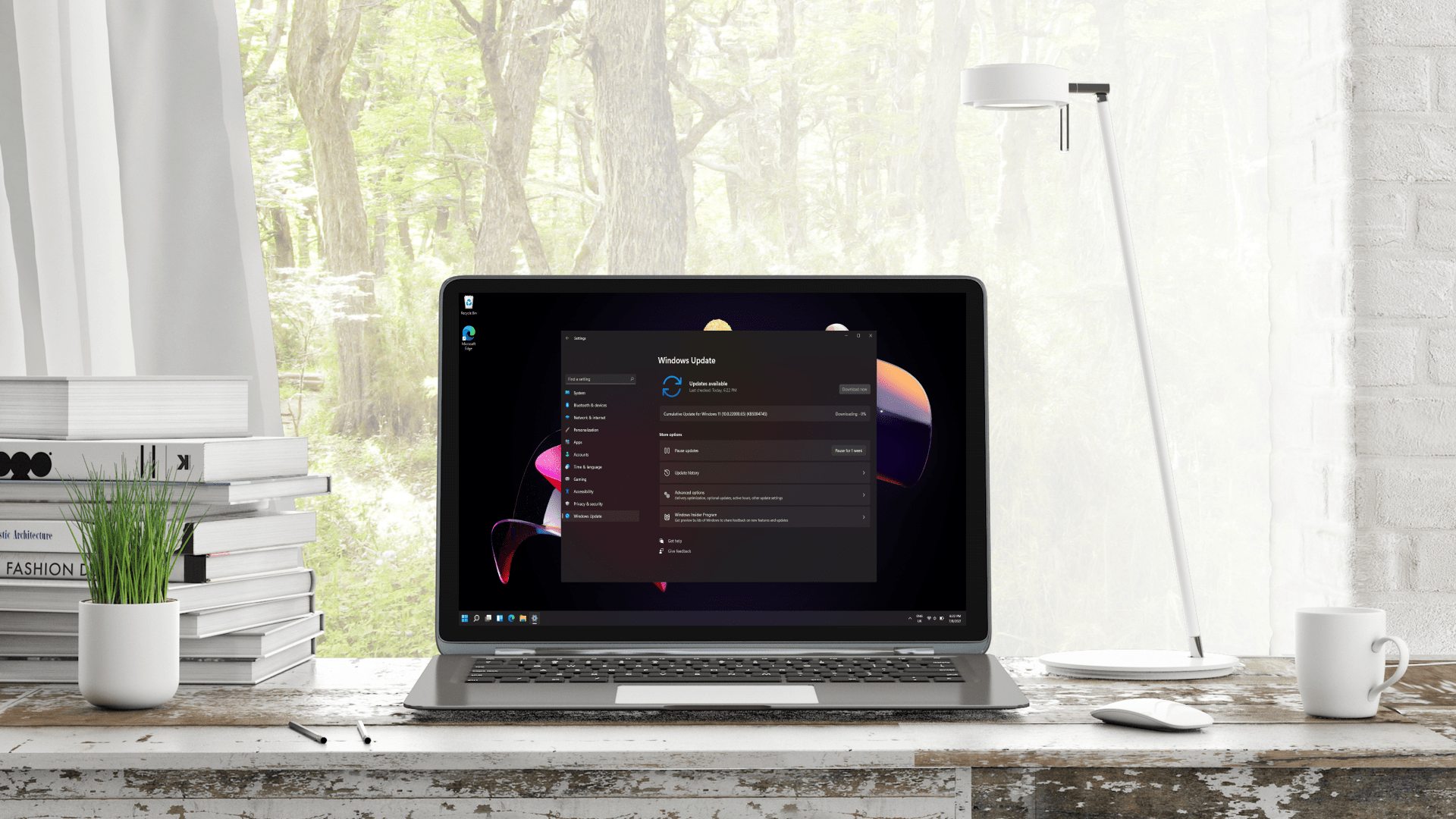
- Microsoft is changing the way Windows 11 updates are delivered
- Updates such as .NET, drivers or firmware will be bundled with the monthly update.
- This change is currently being tested, alongside a lot of work to improve Windows 11’s default apps.
Windows 11 benefits from other very useful changes, including an improved process for updates and a series of tweaks to the operating system’s default apps.
Microsoft has just released a new preview in the Experimental channel (build 26300.8687) that contains changes for Windows Update (which were announced as coming in April).
Microsoft tells us: “We’re rolling out a new unified update experience to reduce the number of reboots you see per month. We start by coordinating driver, .NET, and firmware updates to align with the monthly quality update, reducing the update experience to a single monthly reboot.

Elsewhere, Thurrott.com points out that Microsoft has a lot of work underway for Windows 11’s various core apps and that the company is now documenting these changes in separate release notes for apps in its Learn portal.
The calculator is being modified to have readable text when using high contrast themes and more accurate square root results (with rare errors fixed).
The Windows 11 Camera app now supports more video resolution options and a full range of zoom levels (plus, the zoom slider now works with more cameras, including the latest models). Microsoft has also ensured that the front cameras of more devices are supported.
The clock has the ability to run more countdowns (up to three simultaneously) and a new 15-minute snooze on alarms, among a whole host of minor changes.
Microsoft Paint now offers a feature to adjust the degree of eraser transparency, and the AI image panel has been improved with a cleaner layout. The toolbar also loads faster and many stability adjustments have been applied, reducing the risk of crashes.
The Photos app also has some useful changes: it will now display very small images (such as pixel art) at an appropriate zoom level so that they appear sharp rather than blurry, as well as tweaks to the interface and again stability (fixing a crash that occurred when recognizing text).
With improvements to Media Player (custom subtitles, bug fixes, and better overall reliability) and Sound Recorder, Microsoft is clearly busy with these default apps.
Analytics: A Better Way to Work with Updates
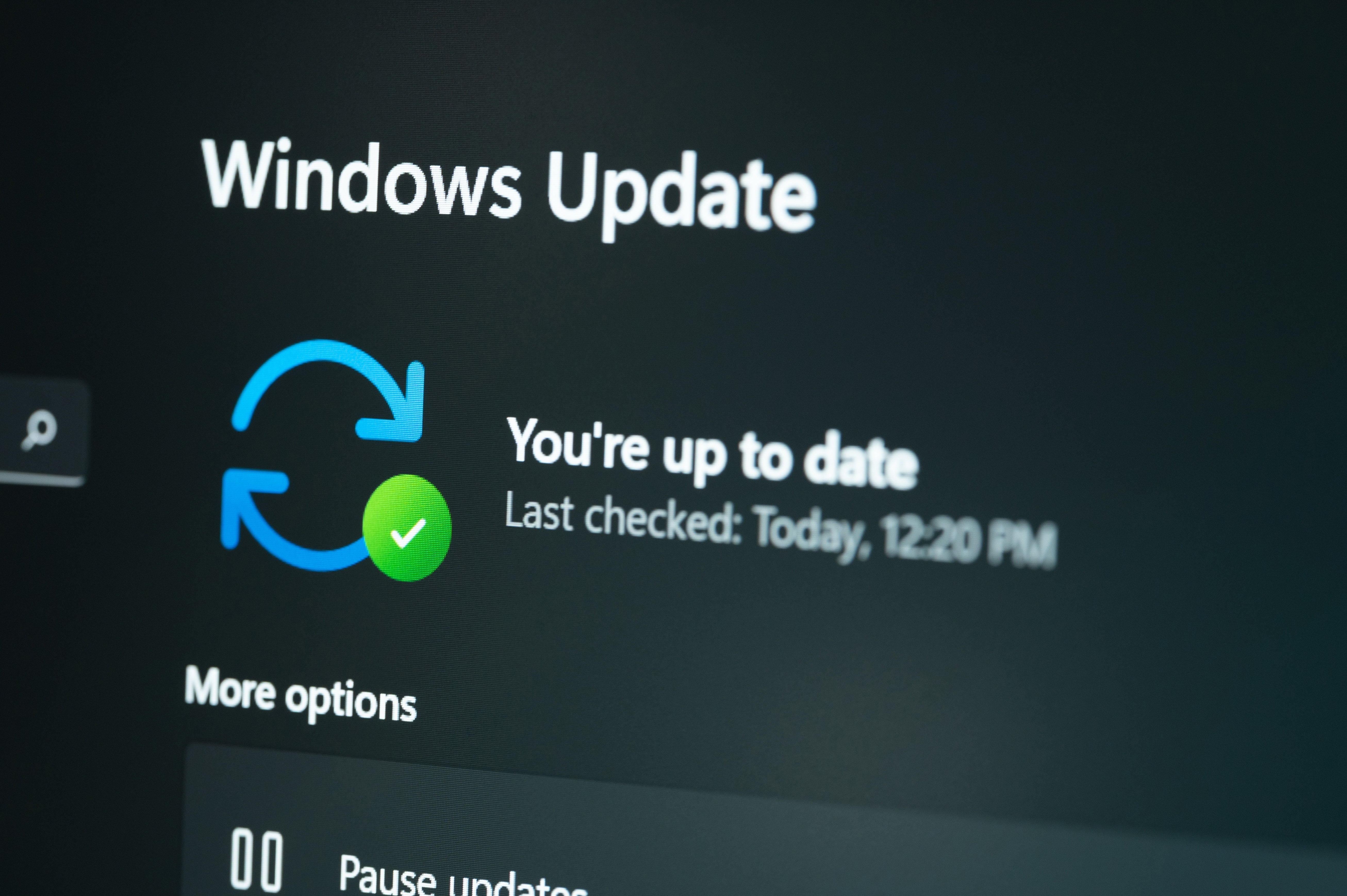
Keep in mind that all of these changes are currently being tested, but it shouldn’t take long for the various tweaks and new features to core Windows 11 apps to be implemented.
Consolidating the Windows 11 update rollout will take longer, as it is currently only in the experimental channel (preliminary testing), and it is being rolled out there gradually. However, it’s great to see this coming, as it’s going to be a major convenience for the average Windows 11 user.
Instead of having to worry about separate updates for firmware, .NET framework, or device drivers, Windows Update will bundle them all together with the monthly cumulative update released by Microsoft. The result is that you’ll only have to reboot once to apply all of these upgrades, and while it will take longer to install, making updates work simpler in this way is definitely worth it.
This is one of several improvements that Microsoft is preparing for Windows 11 updates, and the key part of the feature already in the works is the ability to delay a monthly update indefinitely. Failures to install updates have also long tarnished Microsoft’s reputation, and steps are being taken to remedy these problems.

Follow TechRadar on Google News And add us as your favorite source to get our news, reviews and expert opinions in your feeds.

The best laptops for every budget


